Live portal views
Inspect the destination terrain through the portal opening before stepping into the connected area.
Transform Minecraft with Immersive Portals Mod, featuring real-time portal views, seamless dimension transitions, and uninterrupted exploration.
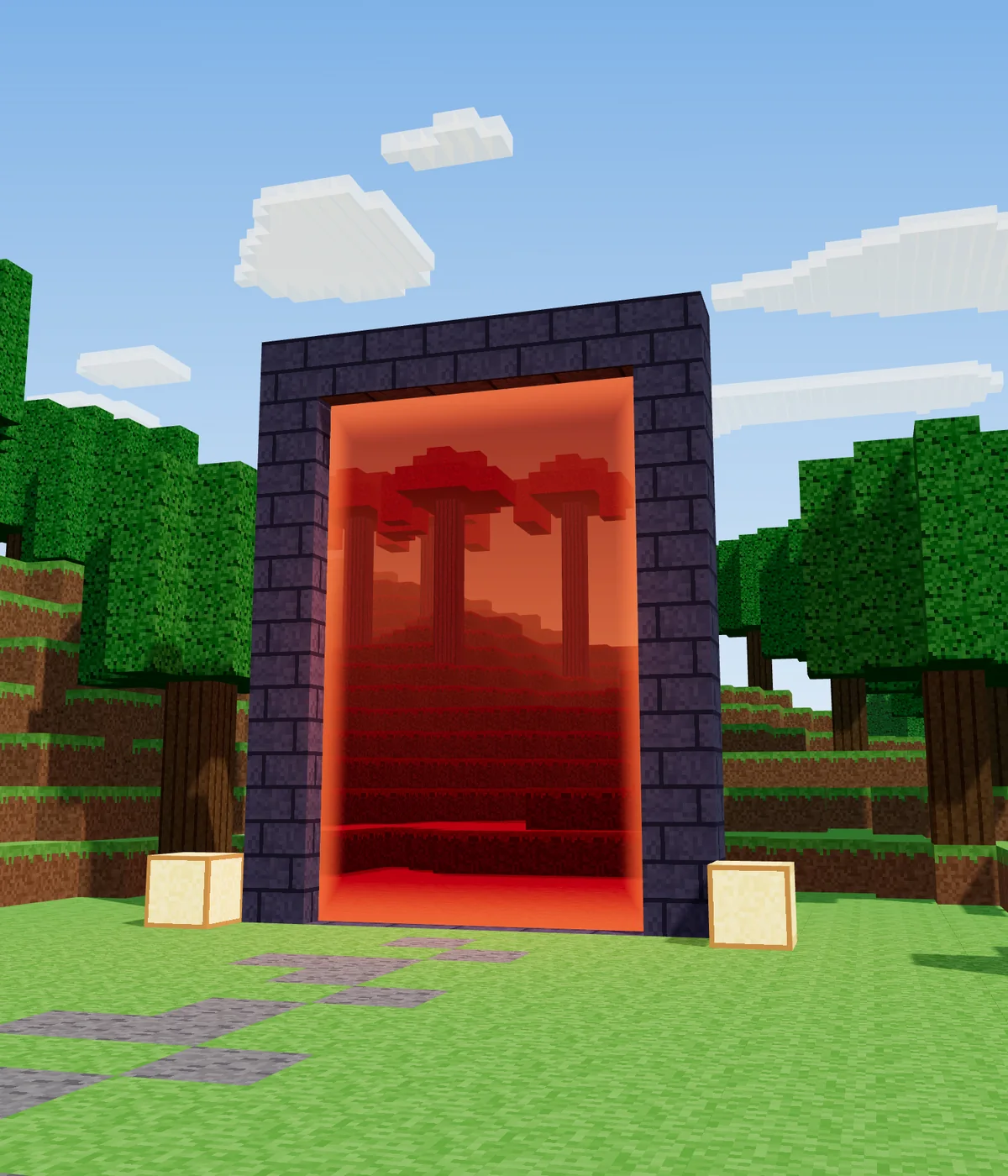
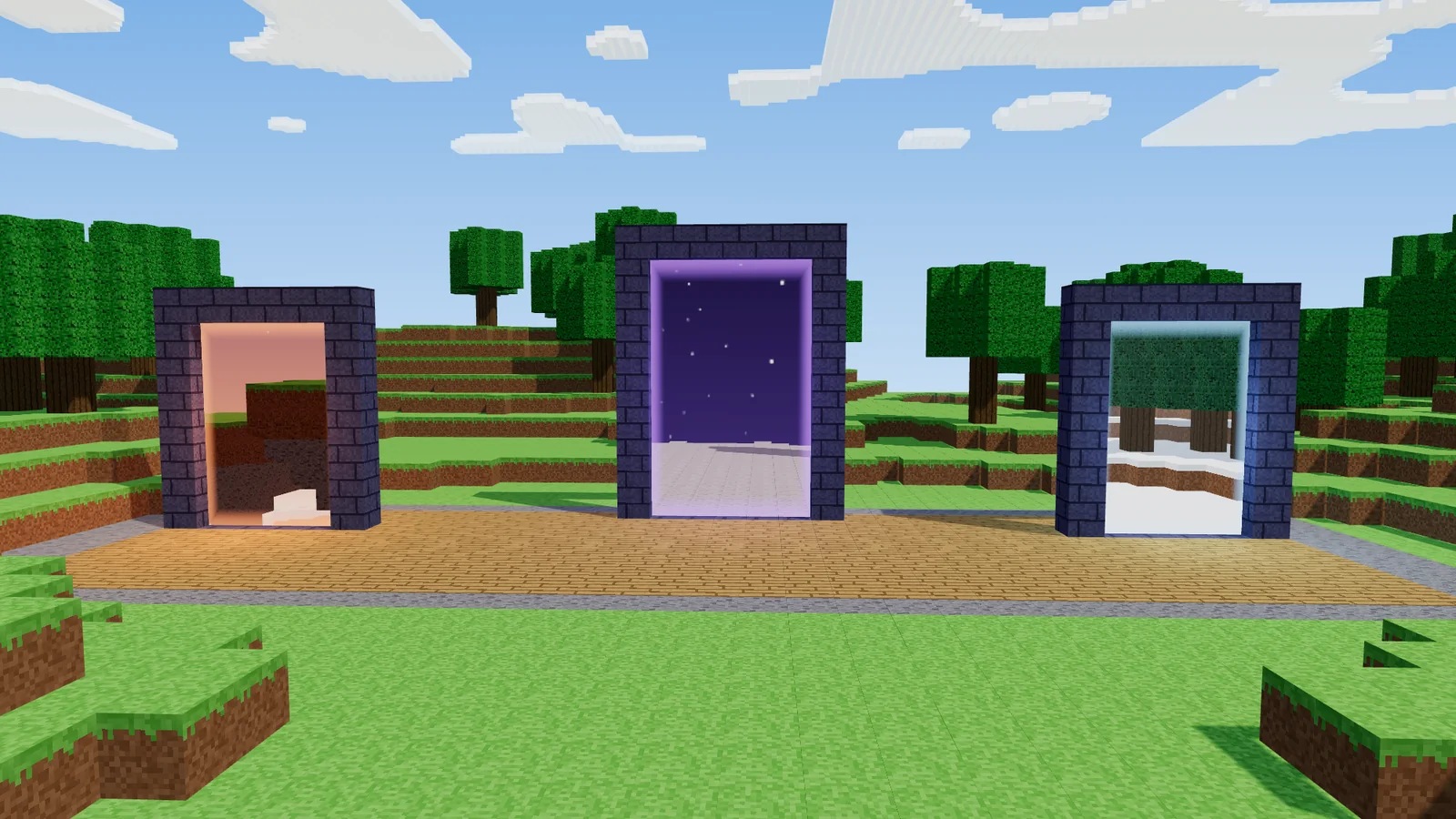
Immersive Portals renders the destination beyond a portal while you are still standing on the entrance side. This connection makes travel feel continuous and gives builders a way to join distant locations into one navigable space.
Live destination views, configurable connections and spatial transformations give builders more control over how Minecraft worlds connect. Tool availability and behavior depend on the installed release.
Inspect the destination terrain through the portal opening before stepping into the connected area.
Cross a configured connection directly, with the destination already visible as you approach.
Use supported transformations to connect spaces with different scales or orientations.
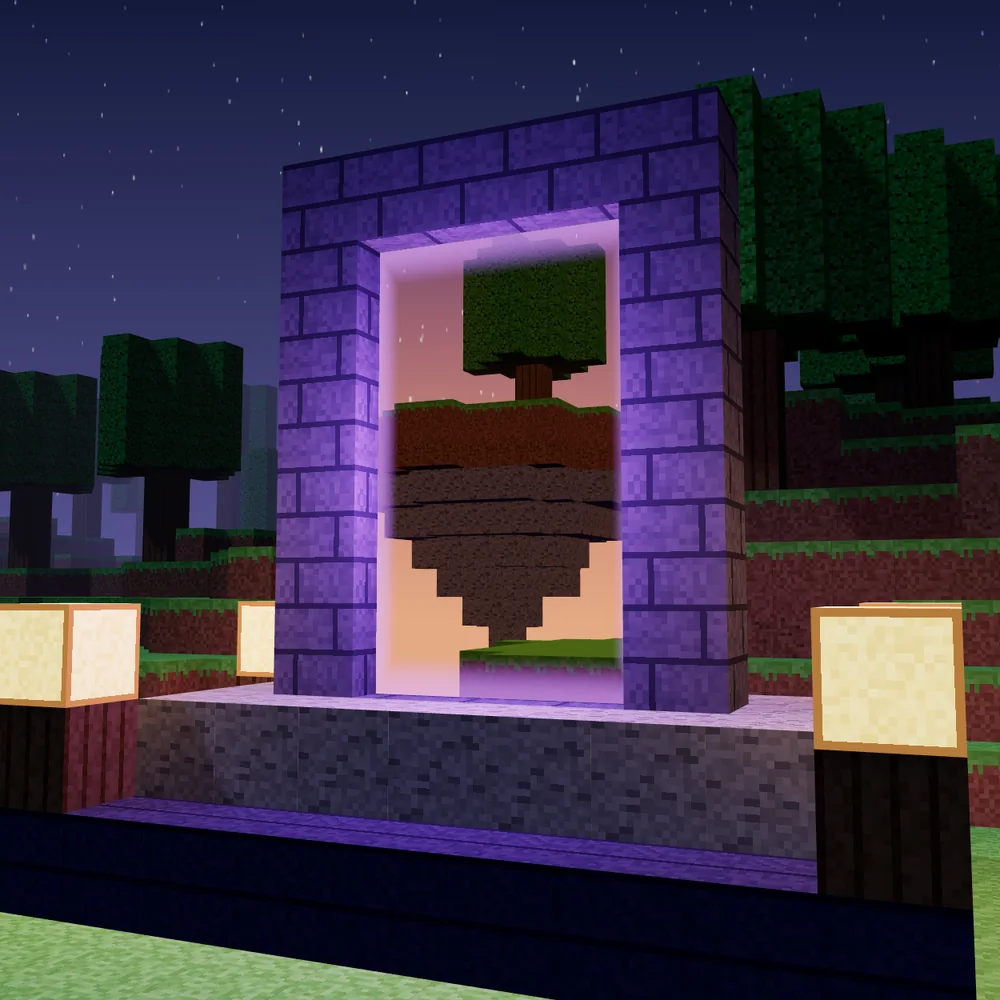
See a second portal through the first to create layered views and connected architectural spaces.
Configure portal position, size and destination with the commands and editing tools supported by your build.
Explore supported dimension stacks and wrapping layouts that connect world boundaries in unusual ways.
The mod coordinates destination loading, a view through the portal and movement between connected spaces. These systems make a portal function as a visible connection rather than a separate travel screen.
Nearby portals can load destination chunks so the connected area is available before traversal.
The opening shows the destination from the viewpoint corresponding to your position.
Crossing transfers the player through the configured connection between locations.
Supported configurations can alter scale or orientation as the connection is traversed.
Immersive Portals requires Minecraft Java Edition and a compatible mod loader. Fabric and the separate Forge or NeoForge project lines use different release files.
Match the Fabric release to your Minecraft version and install the dependencies specified for that build.
Check the separate project for a release that explicitly supports your game version and chosen loader.
Java mod JARs do not install into Bedrock Edition.
PE is part of Bedrock Edition; Fabric/Forge files are not compatible.
Evaluate Bedrock portal add-ons by their own creator, supported versions and documented features.
Connect creative builds, design dimension hubs and create adventure-map puzzles with custom portal routes and spatial effects.
Join separate rooms into a continuous route, or create interiors whose connections challenge ordinary building geometry.
Arrange visible destinations around a central hub so players can inspect a route before entering another area.
Build navigation puzzles and staged reveals around destinations, return routes and controlled transformations.
Prototype custom connections in an isolated world before integrating them into a larger map or modpack.
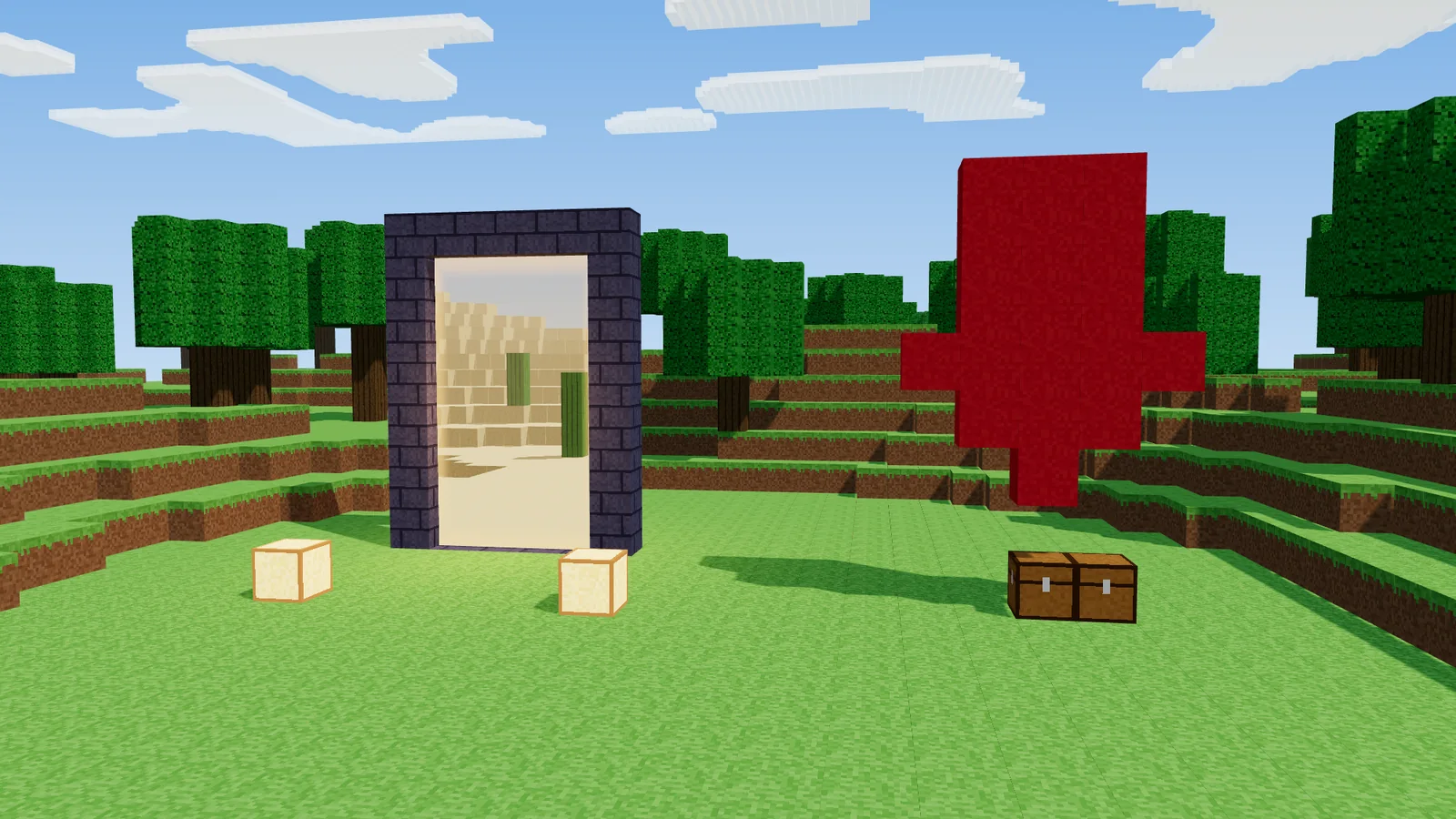
Experience seamless portal travel, instant dimension transitions, and immersive visual effects with Immersive Portals Mod
Make a copy of important saves before adding, removing or switching major mods. Portal and dimension changes can affect how a world loads, so test version changes on a backup first.
Keep a world backup, a copy of the current mod list, and the last known working Minecraft/loader versions. If a new setup fails, restore the backup rather than repeatedly opening the same save with mismatched mods.
Check the release format, supported Minecraft edition and loader requirements before choosing a compatible Immersive Portals build.
Install the matching mod loader, add the required dependencies and test portal travel in a new world before opening an existing save.
mods folder.Keep one dedicated game profile for the installation. Avoid duplicate mod versions, and add optional graphics mods only after the base portal setup works.
Resolve launch crashes, portal rendering issues and multiplayer errors by checking version compatibility, required dependencies and conflicting mods.
Check the crash report for loader mismatch, missing dependencies or the wrong Minecraft version.
Test without shaders, resource packs or graphics optimization mods, then add them back one at a time.
Confirm the server and clients use compatible loader/mod versions and required dependencies.
Answers to common questions about portal mechanics, supported platforms, installation requirements and rendering problems.